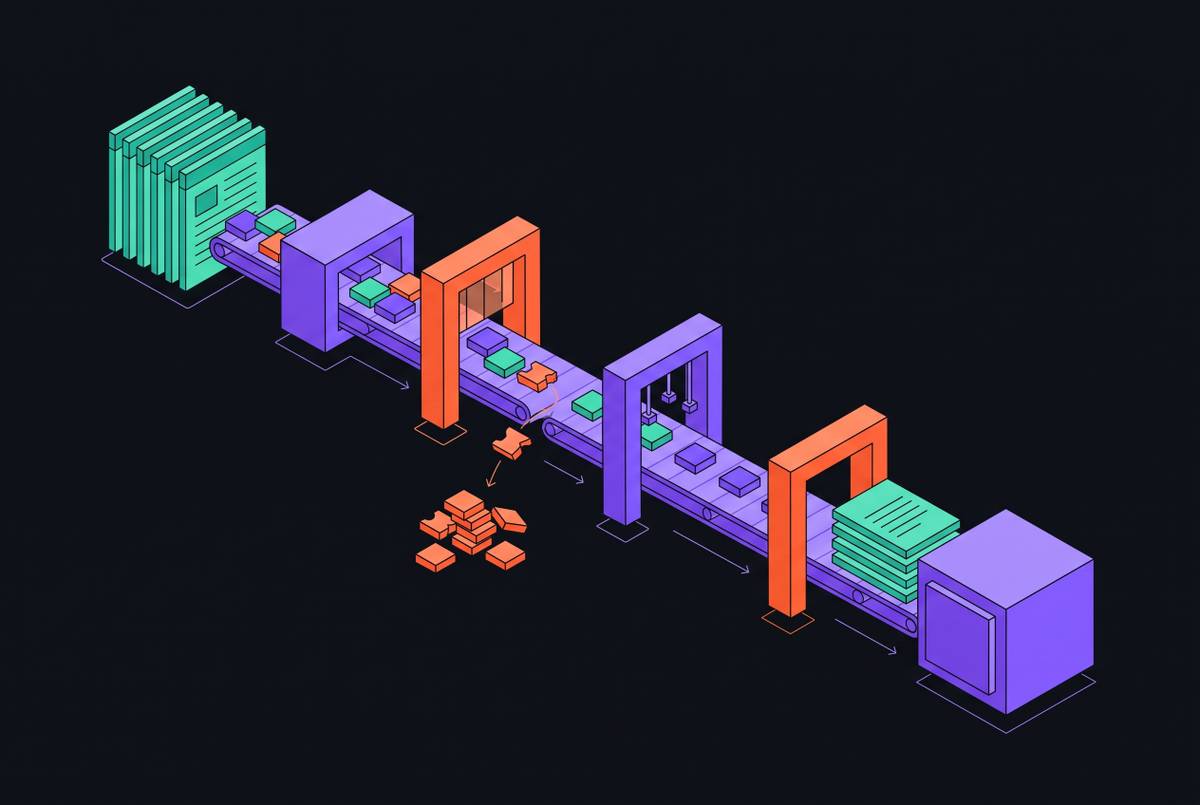
Throughput Cost Curves Across Web Scraping APIs for High-Volume Data Collection
Real scraping costs hinge on success rates and rendering, not advertised prices.
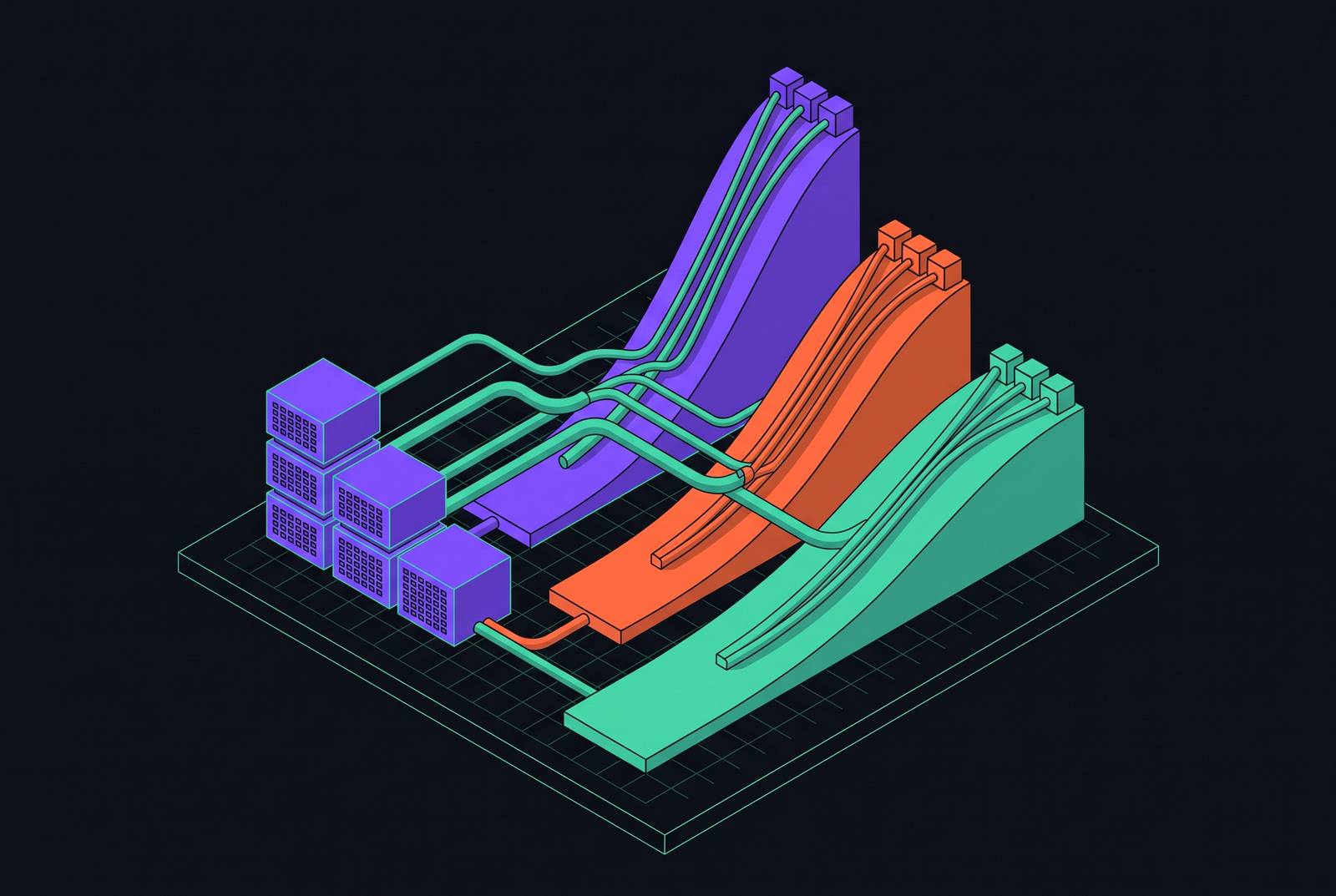
For high-volume AI data collection, the best web scraping API is the one with the lowest cost per usable, current page. That cost depends on credit multipliers, rendering and proxy tiers, failure billing, and success rates. For AI agents and LLM pipelines, the comparison must also include the cost of turning fetched pages into clean Markdown or structured JSON.
Why sticker prices for web scraping APIs systematically understate the real cost at volume
Most pricing pages advertise the cheapest possible configuration, including plain HTTP fetches, datacenter proxies, and no JavaScript rendering. That configuration is a poor match for many pages used to ground AI outputs. Retail, travel, job listings, and social platforms sit behind anti-bot systems that require rendering, premium proxies, or both. Every vendor charges a premium for that work. The advertised rate therefore describes a different workload from the one the buyer needs to run.
At volume, that mismatch becomes a budget problem. A pipeline needs pages it can use, but its plan may count requests, credits, or the amount of data transferred. Those units do not translate neatly into delivered content when requests consume extra credits or return unusable responses. The gap is structural.
The three billing mechanisms that compound into the true cost curve
Credit multipliers create the first gap between a plan’s size and its useful output. A basic HTML fetch might consume 1 credit, while a rendered page with anti-bot bypass consumes many times more. Lower plans also often have higher per-credit costs, so the rendering premium applies to an already more expensive unit.
Failure billing then determines who pays when that expensive request does not work. No per-request vendor bills a plain failed attempt by default, but policies diverge once custom headers, cookies, or premium proxy zones enter the configuration. String’s review notes that Bright Data’s success-only rule switches off when custom headers or cookies are enabled on a zone. In that configuration, all requests bill, including failures. This exception applies to the very jobs where requests can often fail.
When attempts are billed, dividing the nominal attempt cost by the actual success rate gives the cost per delivered page. A low success rate magnifies every configuration premium already applied. Under genuine success-only billing, failed attempts do not inflate the direct page charge, although they still reduce delivered volume. This distinction can reverse the apparent price ranking, with an expensive-looking success-billed service costing less for the completed job.
How billing structures vary across providers and what that means for cost at volume
Per-request pricing holds a fixed charge per URL within the applicable rate, while credit pricing encodes complexity in the number of credits consumed. Easy pages can favor the credit model. Protected pages can produce a very different result because the same monthly allocation buys fewer fetches. String charges a lower standard-fetch rate and a higher premium-fetch rate on its Growth plan, illustrating why even a per-fetch comparison needs the relevant service tier.
Difficulty-based pricing shifts the uncertainty from configuration to the target itself. Zyte automatically assigns each website one of five difficulty tiers, with the tier opaque until after the first call. Its lowest pay-as-you-go HTTP rate and highest-tier HTTP rate are nearly an order of magnitude apart. An unfamiliar site list is therefore hard to budget before requests reveal its difficulty mix.
Bandwidth pricing requires a different conversion altogether. String’s review looks at Oxylabs on its own because it bills per gigabyte. Lightweight pages can favor that model, while image-heavy pages or pages with large document structures can cost more. Page count alone cannot support the comparison. The model needs the amount of data transferred for the actual workload.
Volume predictability adds another decision variable. Subscriptions offer lower effective rates for steady use but waste paid quota when demand falls, while pay-as-you-go avoids unused allocations at higher per-request rates. At large scale, published prices become starting points for custom contracts. No provider is cheapest across every workload because predictable volume, target difficulty, and the consequences of missing pages favor different billing structures.
What success rates actually look like across providers on hard targets, and why this changes the cost ranking
Scrape.do’s 2026 in-depth review tested providers simultaneously against the same 7 challenging targets, namely Amazon, Indeed, GitHub, Zillow, Capterra, Google, and X (Twitter). Its benchmark run of 14–28 August 2026 used validated HTML responses to exclude challenge pages and missing content returned with 200 OK status codes. A response that arrives without the requested content is not a delivered page.
The benchmark’s cost-per-delivered-page ranking differed substantially from its price-only ranking. One tested provider had the highest cost overall and, on Indeed, charged a steep per-page rate while succeeding on roughly two-fifths of requests. These results support a workload-specific comparison.
Success-only billing also has a hard limit as a buying argument. When success is very low, a fixed target list yields only a fraction of the pages required, even if failed requests cost nothing. For a pipeline that needs specific pages rather than a sample, availability comes before price.
Which cost layers apply when a web scraping API returns LLM-ready content rather than raw HTML?
JavaScript rendering is the first configuration choice that sharply changes the economics. It requires a headless browser, adds latency, and activates rendering multipliers in credit-based plans. String’s review found a wide range of rendered-page costs at entry tiers before proxy or output choices were considered. Rendering is not optional for heavily dynamic content. Choosing HTML-only requests to save money can instead buy incomplete or empty pages.
The choice of proxy adds a charge on top of rendering. Datacenter proxies are fast and cheap, but enterprise anti-bot systems commonly recognize and block them. Residential and ISP proxies are harder to detect and cost significantly more. String’s documented standard-to-premium jump is driven primarily by the shift to residential proxy pools. That premium applies to every request using the configuration.
Most commodity scraping APIs return raw HTML, leaving the buyer to produce clean Markdown or structured JSON. Raw HTML has navigation, scripts, and markup that use up tokens without giving the model information it needs. Markdown can substantially reduce that token load. An API premium for LLM-ready output replaces processing work that would otherwise fall to the pipeline builder, so it cannot fairly be compared with an HTML-only price in isolation.
Retry behavior completes the configuration model. For pipelines that retry to reach coverage, moderate success rates increase request counts in proportion to the inverse of the success rate. Billed failed retries compound the rendering and proxy premiums. Those retries are already part of the success-rate correction, so counting them as a separate multiplier would count them twice. A meaningful price therefore requires all four choices together, including rendering, proxy tier, output format, and retry behavior.
Why building and maintaining in-house scraping infrastructure does not escape these costs
With self-hosting, rendering uses compute, premium access has a proxy bill, and extraction takes engineering work. Anti-bot updates, IP bans, and site redesigns each trigger maintenance that displaces work on the AI product. Engineering time is the least visible expense. It can make the total larger than a managed API bill even when the direct infrastructure looks cheap.
Scrape.do’s review describes how the calculation changes when a target combines Cloudflare, a custom WAF, and JavaScript rendering. Each can be maintained alone, but together they form a system that breaks as the target updates its defenses. Debugging detection without knowing what triggered it consumes engineering hours. The API fee therefore pays for requests and for relief from the work of keeping the system running.
Building remains a sound choice for a narrower workload. Targets without bot protection, small and stable site lists, and teams with near-zero budgets but time to maintain the stack can justify it. Outside that profile, the comparison favors managed infrastructure. A fair comparison counts the work needed to keep pages arriving after the scraper is up and running.
Silent staleness and change detection as underpriced risks in high-volume AI pipelines
Change detection can cut costs before it makes the data better. Monitoring key pages for changes in competitor pricing, product availability, or job postings allows downstream collection and processing to run only when needed. Unchanged pages need not trigger the same repeated work. This replaces indiscriminate re-scraping with a workflow tied to changes at the source.
It supports schedules down to very short intervals and returns structured diffs when requested via the query. Monitoring thus becomes part of the code. Structured JSON diffs can feed a RAG pipeline so it retrieves fresh external data when the source changes.
Silent staleness occurs when extraction keeps returning a value after the source has changed in a way the scraper missed. Nothing errors out, but the AI system receives wrong data. A language model has no internal signal that retrieved content is outdated and can present it with the same confidence as fresh content. The cost appears in incorrect outputs and stale intelligence rather than on the scraping invoice, which makes price per fetched page an incomplete measure of value.
How to model the true cost curve for a specific pipeline before committing to a provider
The first step is to classify the actual targets by difficulty, separating plain HTML without bot protection, JavaScript-rendered pages, and protected pages requiring residential proxies. The proportions determine which charges dominate. String’s review uses a simpler standard-versus-premium split, where standard means plain HTTP, default proxy, and no JavaScript. Use that split where it fits the workload, but keep the protected targets in view when easy pages bring down the average.
The second step is to price the configuration each group needs. Find the premium credit multiplier and work out how many fetches of protected pages the plan buys. Then read the failure policy for that same configuration, including custom headers, cookie passing, and premium proxy zones. A success-only headline is not enough. For bandwidth or difficulty-tiered services, the calculation must also reflect transferred data or the target’s assigned tier.
The third step is to measure usable-page success on comparable targets and apply it to billed attempts. Use independent benchmark data where it is available, but keep results published by the provider apart from those measured under different conditions. The benchmark’s simultaneous requests and validated HTML checks illustrate the controls needed. Leave false successes out of the count of delivered pages. Where failures are genuinely free, keep their effect on coverage separate from the direct charge rather than adding an attempt-billing penalty that does not apply.
The fourth step is to include the required output. If the pipeline consumes Markdown or structured JSON, establish whether the API price includes that conversion or leaves a processing stage to build and maintain. Include that engineering work in the comparison. Include change detection in the model too, where it cuts the work of collecting the same content again and helps keep stale content out of downstream systems.
The final step is to run the model at the volume expected within six months. Account for subscription transitions, unused quota, overages, and the retry load required for coverage. At sufficient volume, use that workload model as the basis for negotiating a custom price. A few hours of this analysis can prevent months of billing surprises and a pipeline that saves on requests but cannot deliver the data it needs.